jane elvire
Discovered by chance. Simple, beautiful and organised. I love it.

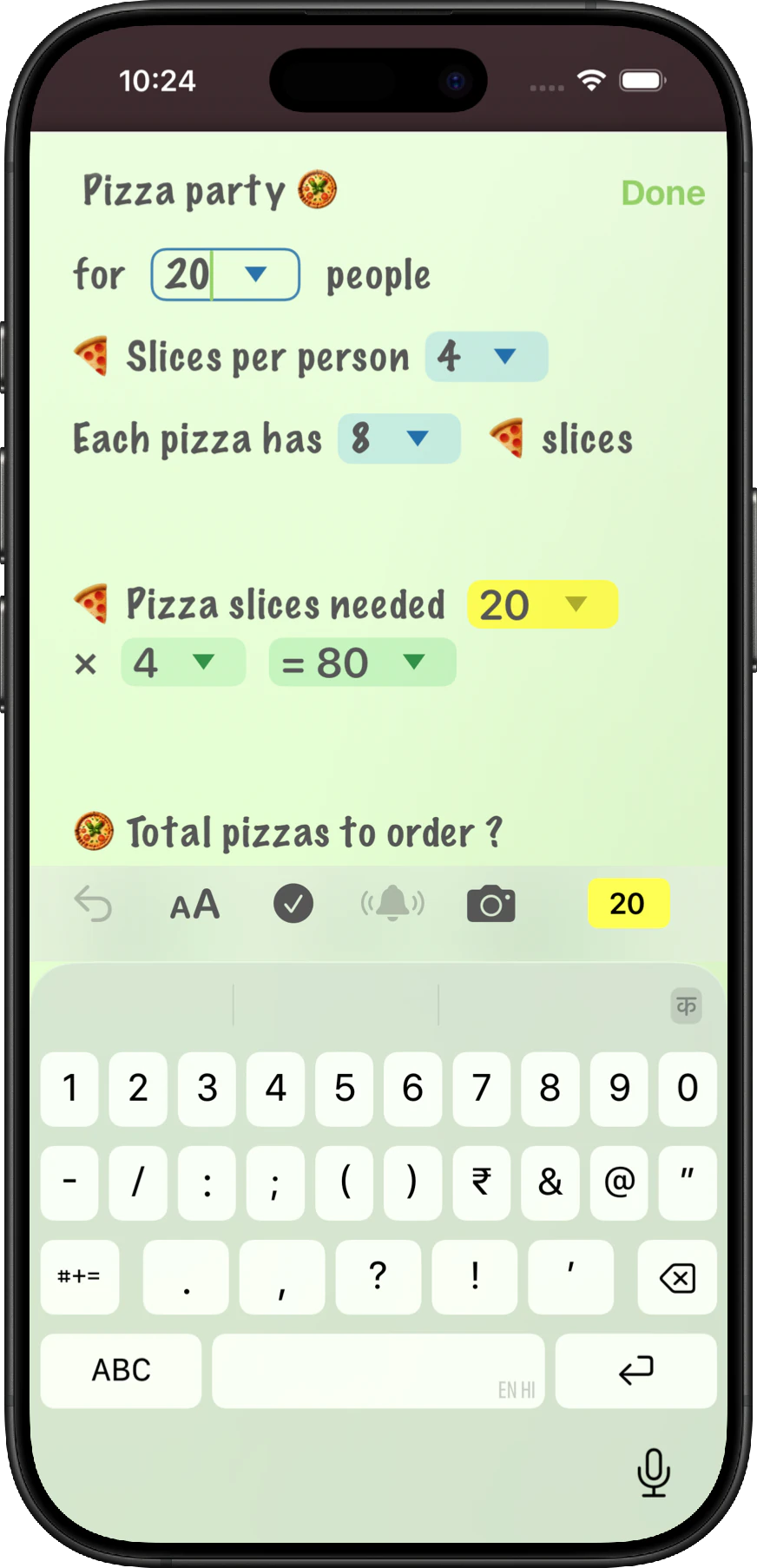
You can reference numbers just by dragging and dropping them. When you update the original, everything automatically updates and recalculates.
See More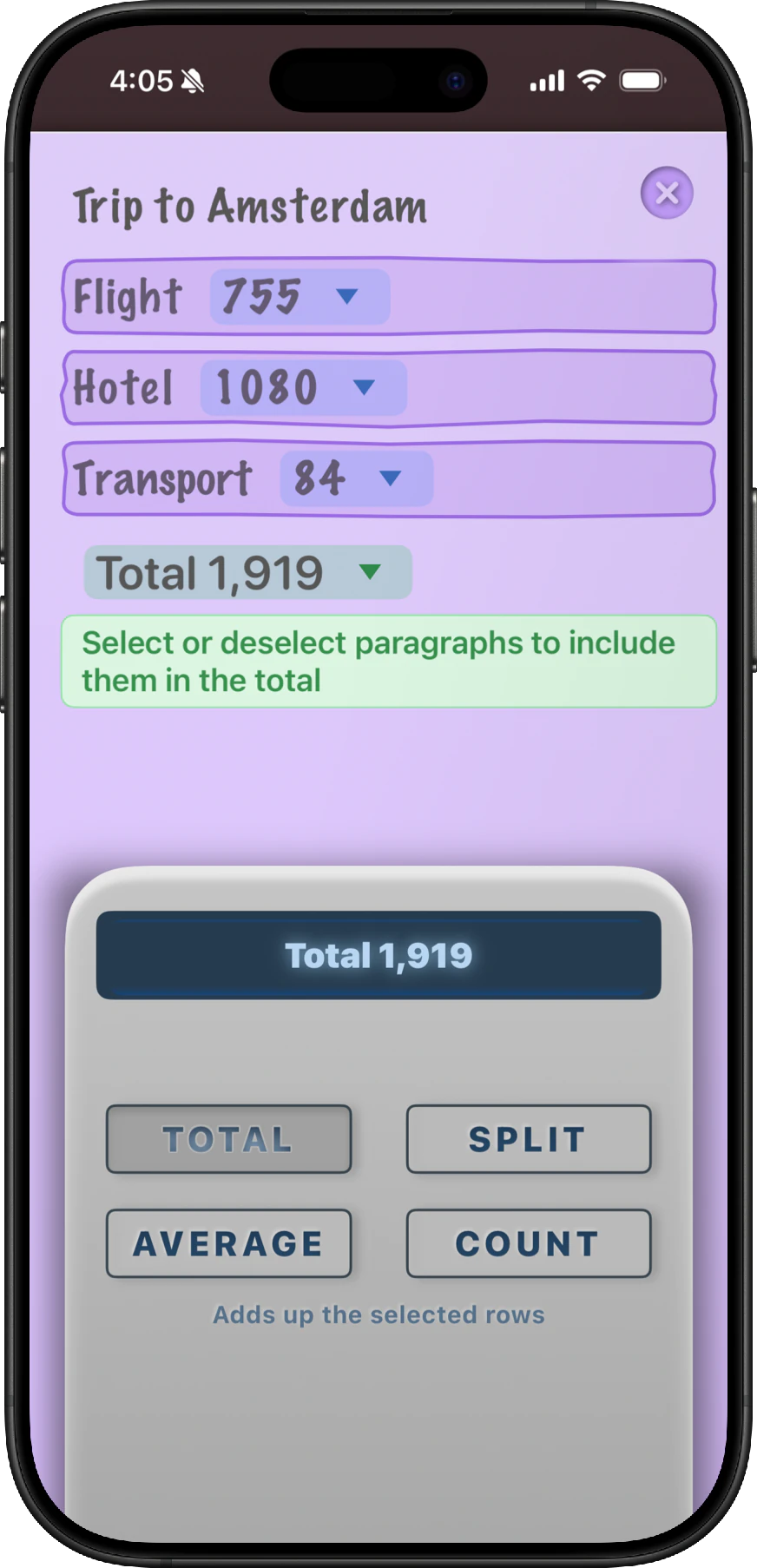
Then you can tap on a paragraph to include it or remove it from the calculation. Choose the type of operation you want to perform from the calculator. Total, split, average or paragraph count.
See More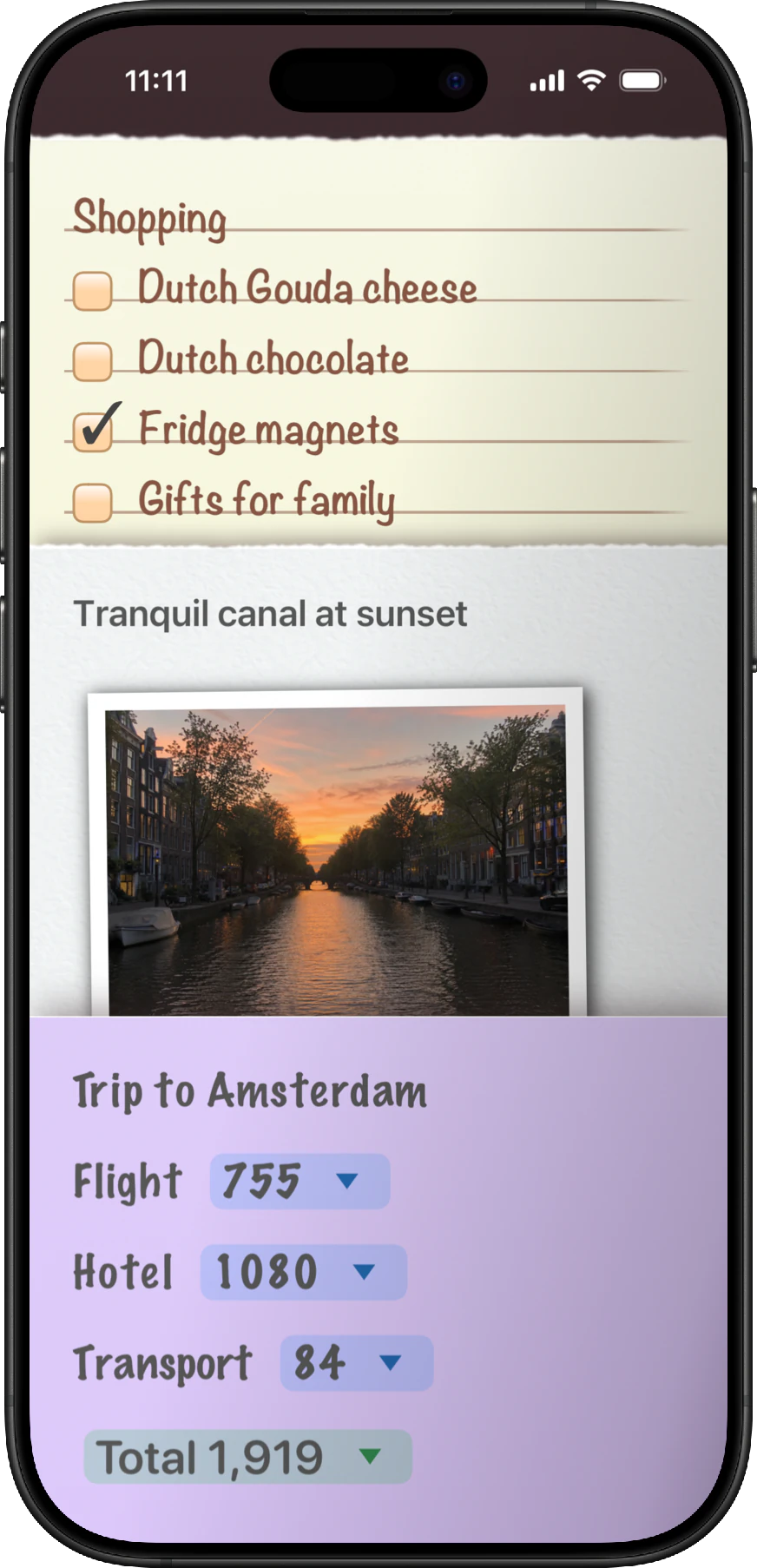
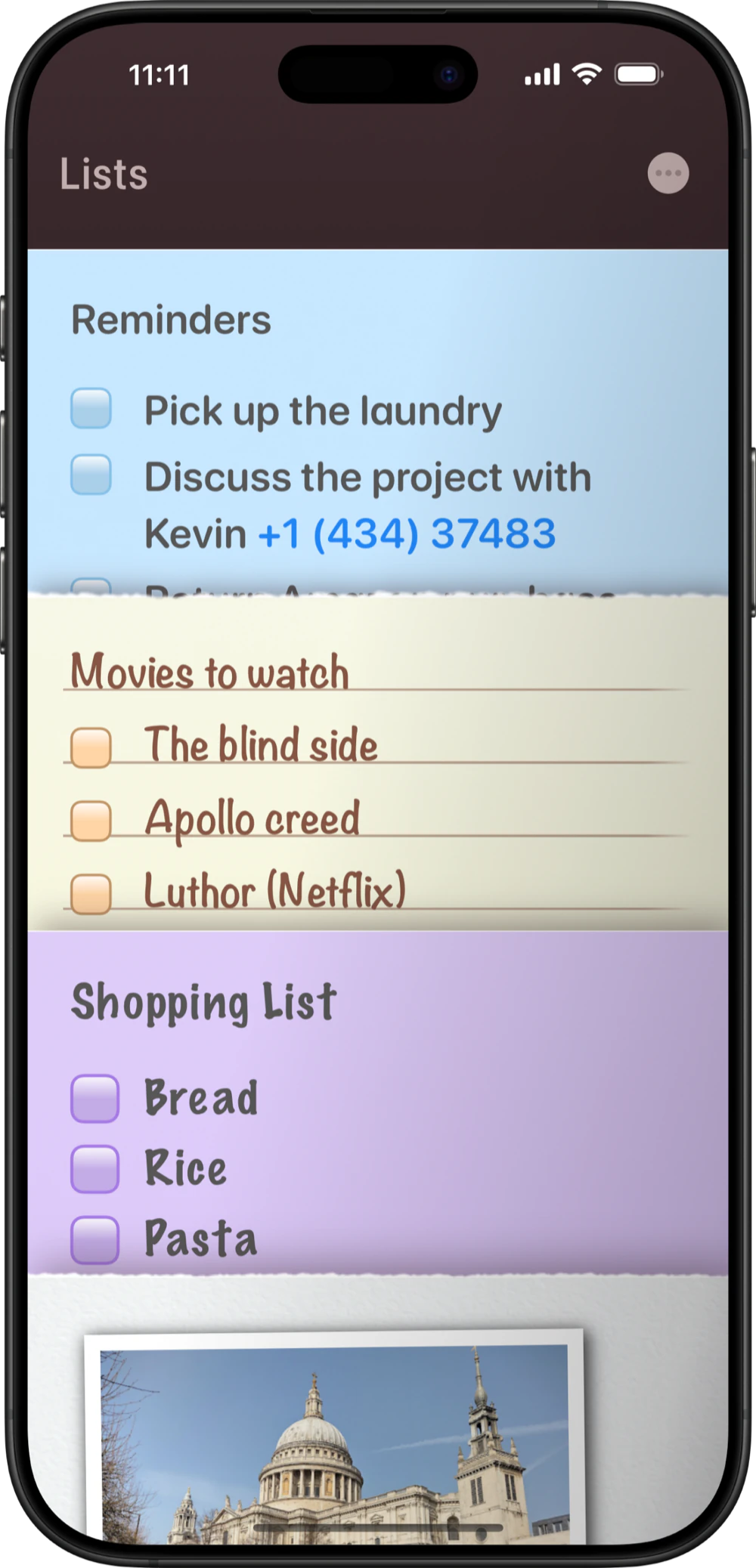
While other notes apps show you the first line of your note or a really tiny preview. NeatNotes shows you the real note!
Need to see more? Just tap and hold on a note and the other notes slide away to show you more.
Notes come in three styles. Plain, Sticky and Lined. It's a fun way to see your notes and find them faster.
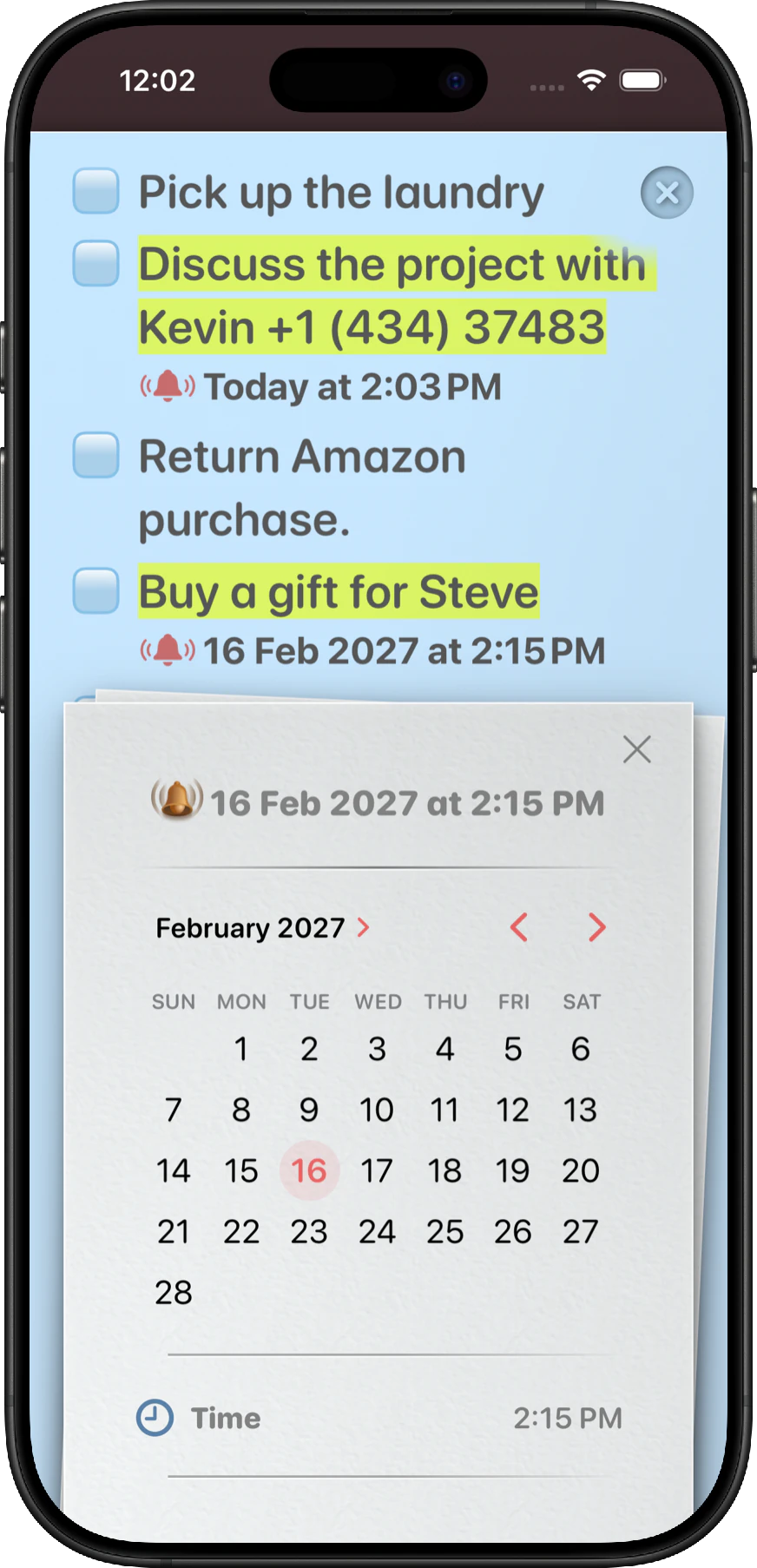
Tap the bell icon above the keyboard. Select a date and time, and NeatNotes creates a reminder for that exact paragraph.
You'll get a notification when its time. Open it and you'll be taken to the exact place in your note where you set the reminder.
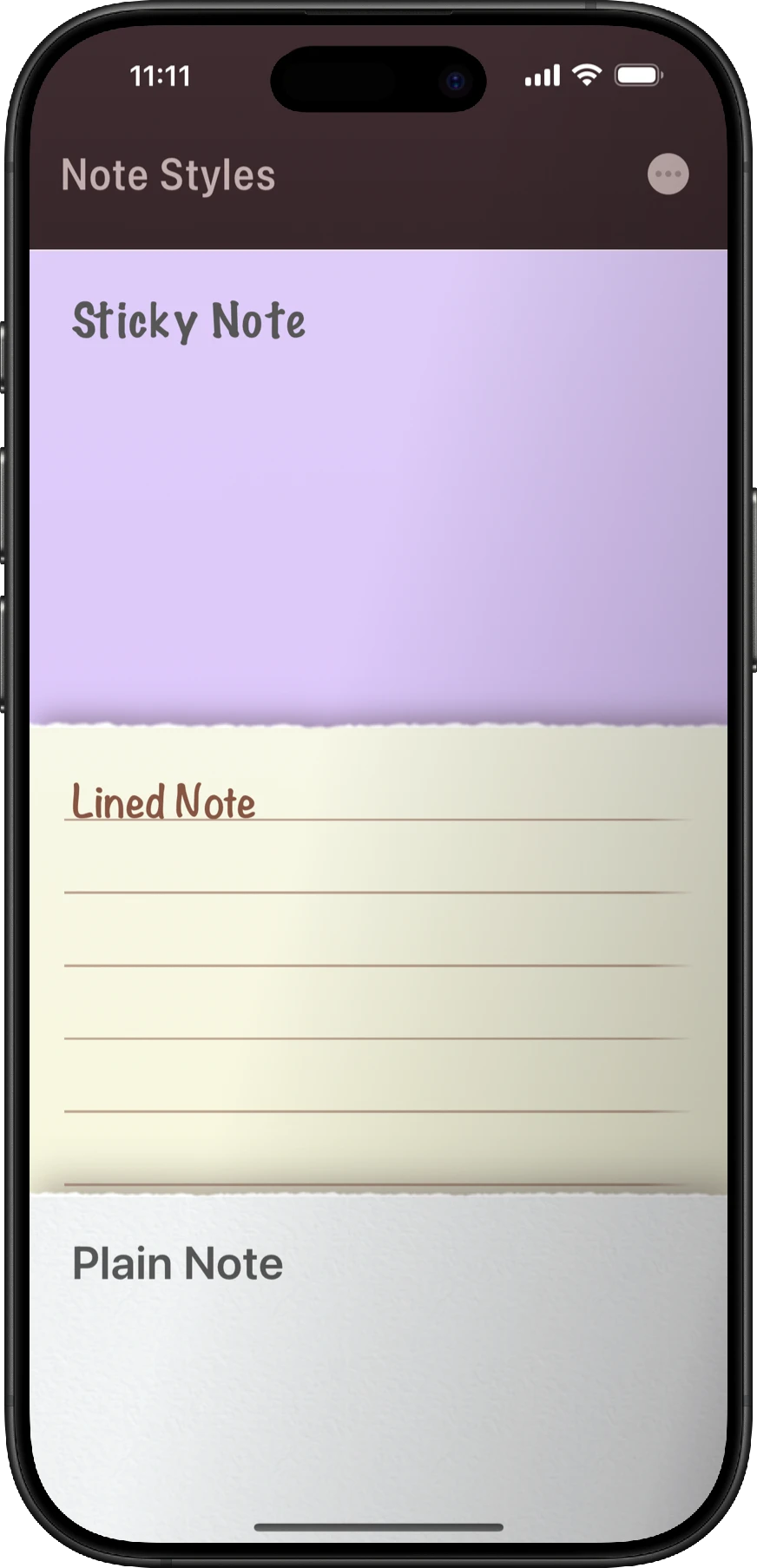
NeatNotes gives every thought the right look. Choose a clean Plain Note, a colourful Sticky Note or the familiar structure of a Lined Note.
Every note style is distinct. From formatting to texture and color.
Discovered by chance. Simple, beautiful and organised. I love it.
I love love love the reminder feature. Has made my life easier to have this in my notes!
The app is gorgeous. Creating notes and to-dos is a joy.
The app is easy to use, has a stylish design, and includes several useful features.
I like the app, it's very simple to use and feels perfectly designed for my use case.
Simple, lucid and a pleasure to use. A lot of thought and effort has gone into making it.
Really simple to use for authentic-looking notes, with great features such as widgets and reminders.
The fluidity, details, joy and care are overflowing in this delightful notes app. A gem.
Try the app for 14 days before you buy.

Requires iOS 18 or higher.